Purchase Order Approval Routing in ERP Systems
Configurable approval rules put spending control before purchase orders are sent.
- Written by
- Grant Farrell
- Published
- November 7, 2026
- Reading time
- 8 min read
What this covers
Purchase order approval routing in ERP systems is a configurable control layer for spending commitments. Its value depends on how well thresholds, budgets, delegation, and amendment rules reflect the organization’s actual authority. Getting those rules right puts control before the purchase and saves finance from an archaeological dig after the invoice arrives.
What ERP approval routing actually is and where it sits in the procurement cycle
Approval routing governs how a purchase request becomes an authorized purchase order inside the procure-to-pay cycle. That cycle runs from purchase requisition through requisition approval, purchase order creation, goods receipt, three-way match, and finally invoice approval and payment. Routing governs the first two steps. Its configuration also shapes whether the later steps have clear records to work from or discrepancies to untangle.
In a native ERP procurement module, procurement, inventory, and the ledger share the same records. A purchase order therefore has access to the item master, on-hand quantity, open MRP demand, budget line, and GL account without an interface between separate systems. That shared context supports control at requisition. A requisition that clears the configured checks has a budget check, a category tag, and an approver on record before anyone contacts the vendor. The timing gives the control its leverage, while email approval leaves enforcement largely to a social norm.
Why email-based PO approval breaks down in predictable ways
Email fails as an approval system because it has no structured enforcement layer. The sender chooses the recipient, so institutional memory substitutes for an authoritative approval hierarchy. An unanswered request waits until someone chases it. The approval record stays in a message chain, and the approver may see the request without seeing the budget left or the committed spend. The inbox is doing a job it never applied for.
When approvers cannot see the budget, spending commitments can pass unchecked, and poor records make discrepancies harder to sort out later. The consequences include maverick spend and compliance gaps discovered at audit. Organizations that lack sound PO management also make duplicate payments at an average rate of 2–5%.
A B2B distributor using Oracle NetSuite had the same problems even with workflow software in place. Before its existing SuiteFlow workflows were refined, orders needing review were not always routed consistently, staff chased approvers for status, and finance investigated discrepancies in spreadsheets. The software was there. After the routing, status transitions, and exception handling were refined, transactions followed a defined route and informal follow-ups and spreadsheet fixes decreased. The same approvals were still needed, but the process was easier to count on.
The core mechanics of rules-based ERP approval routing
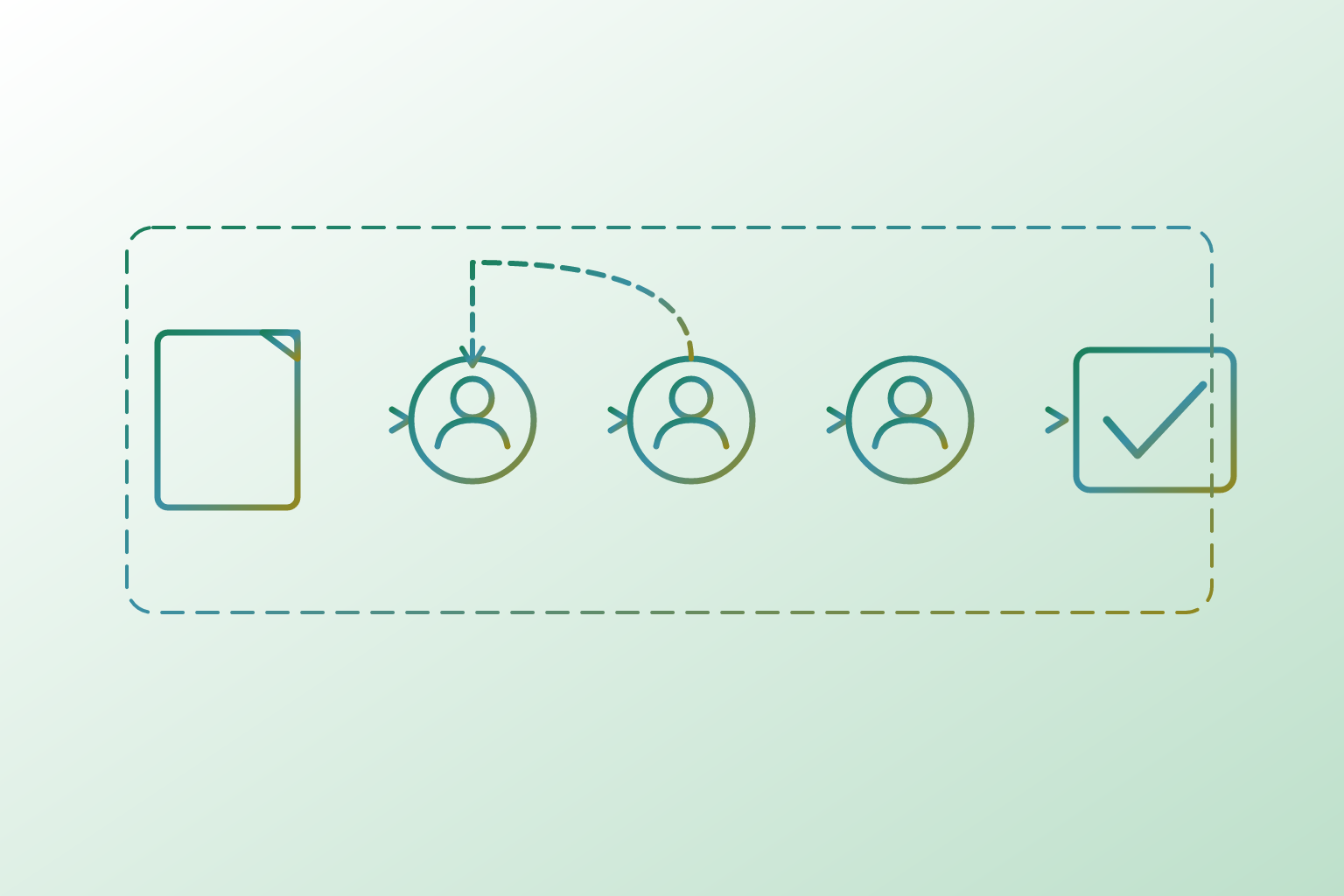
A request below a low threshold can go to one approver, while a higher-value purchase requires two or more approvals in sequence. Category adds a separate condition. IT purchases may need sign-off from IT leadership whatever their value, and capital expenditures may need CFO approval at thresholds that do not apply to operating spend. NetSuite’s SuiteFlow supports conditional multi-level routing based on authority limits, and SAP S/4HANA uses release strategies to encode the approval sequence.
Delegation determines what happens when the assigned approver is unavailable. Without a configured fallback, a valid request can sit untouched despite having followed the correct route. The primary path is not enough. Out-of-office rules keep absence from becoming a blockage, but they are often overlooked until someone takes leave and the queue freezes. An approval workflow should not need to share its manager’s holiday schedule.
The requisition should check available budget before routing, so the approver is not asked to authorize money already committed elsewhere. Native ERP checks use the same ledger as the rest of the business. This avoids the sync lag that can arise when a separate procurement tool checks a budget export that may lag current committed spend.
Reminders and escalation complete the mechanics. A reminder prompts the assigned approver, while an escalation trigger moves an unanswered request to the next authority after a defined period. Mobile approval makes it easier to act within that window. The system handles routing, reminders, escalation, PO generation on approval, and configured accounting sync, while people approve, reject, override exceptions, and resolve flagged mismatches. Automation enforces the process, but it does not supply every decision.
How the change-order problem exposes gaps in standard ERP routing configurations
A PO can clear the correct approval tier and then change enough to require a higher authority, without the amendment triggering another review. Most default configurations do not automatically re-route that threshold-crossing change.
Supplier notification is a separate control from re-approval. SAP’s standard behavior includes notifying the supplier when a PO changes after it has been sent, but notification does not establish that the revised commitment has received the right internal approval. Structured supplier re-confirmation and threshold-based re-approval usually need more configuration. A message sent is not permission granted.
This gap weakens the meaning of the audit trail. An amendment inside an approved record can look like a minor edit even when it changes who should have authorized the purchase. The remedy is explicit configuration of threshold deltas that trigger re-approval, supplier acknowledgment for changes above those deltas, and revisions logged as distinct events.
Where integration between ERP routing and standalone procurement tools creates new failure points
A standalone procurement tool spreads responsibility across systems, with no guarantee of more control. If the procurement tool and ERP use different thresholds, a request can clear one workflow without matching the approval state expected by the other. Delegation can split the same way. A fallback configured in the procurement layer may be invisible to the ERP, leaving a request stalled even though someone believes cover is in place.
Data synchronization creates another seam. When approval status, committed spend, and budget consumption do not update in real time, the systems can temporarily disagree about what remains available. That window can allow over-budget approvals through. Differences in PO data can then cause three-way matching errors that require manual investigation.
The architecture needs one authoritative approval matrix. In this model, the procurement layer handles routing, the ERP handles final budget locking and accounting, and both share the same approver hierarchy and delegation rules. Native ERP modules avoid that split because they use the same records. They are well suited to direct spend, including raw materials, components, and goods for resale, because those purchases connect closely to inventory and MRP. Dedicated source-to-pay tools earn their place more clearly in indirect and services spend, provided the boundary between systems is deliberate.
What AI adds to approval routing — and where deterministic rules still belong
AI adds contextual judgment alongside this architecture’s rules. Spend thresholds, department, category, and vendor status are clear routing criteria with explainable outcomes. Budget checks, PO generation, and escalation triggers also fit deterministic automation because a set condition tells the system what to do. These are not invitations to improvise.
AI is useful where the input or context is less tidy. It can interpret free-text purchase requests and messy catalog data that static rules might reject or misroute. It can also flag a PO that looks odd even though it follows every configured rule, spot possible fraud, or suggest other vendors. Those tasks require more than applying a single criterion. They also require human review at decision points, including when the system raises no exception, because AI can make errors.
Autonomous requesting adds a further design requirement. When an AI agent can submit requisitions rather than merely help a human buyer, the approval matrix must apply the same threshold and category controls to that agent at the system level. Existing matrices were built for people who make requests, so they cannot be assumed to cover agents too. Poor data and confused authority rules undermine both layers, so adding AI cannot repair a neglected foundation.
How automated routing fails silently — and the operational signals that reveal it
Even a correctly configured workflow can lose effectiveness over time without announcing a failure. An approver who accepts every request without checking it can make cycle-time figures look excellent while dropping the human check that the process needs. The dashboard may look splendid. When an approver's approval rate is near-perfect, it calls for a check on how they review requests, even if their speed looks good.
Workarounds create a different disguise. When teams buy outside approved channels because waiting is too slow, workflow volume can fall even though purchasing has not. Rising maverick spend exposes the gap through purchases that appear in finance without a corresponding PO or approval record. Meanwhile, an acceptable overall cycle-time median can conceal categories or departments that are consistently slower. That unevenness can reveal a delegation gap or routing error concentrated in one area.
Stale rules are harder to spot because the system may still follow them perfectly. Thresholds and category routes set at go-live can stop matching the organization’s current delegation-of-authority as responsibilities change. Budget overruns found at month-end are another warning, especially when a configured check does not use real-time committed spend. In these cases, technical compliance with the workflow is not the same as business control. The approval matrix requires ongoing governance after a successful implementation.
What a well-governed approval routing setup looks like in practice — and how ProcureDesk fits into it
A durable setup has one authoritative approval matrix that both procurement and accounting systems respect. Its budget checks use real-time committed spend rather than a lagged export, and every approver has a named fallback that is configured and tested. Amendments go back for approval when they exceed the set threshold deltas. The audit trail records who approved, when, at what amount, and against which budget in a structured, searchable form. Regular checks keep those controls in line with who has authority today.
For mid-market finance teams using QuickBooks, Sage Intacct, or NetSuite, ProcureDesk provides a concrete way to put controlled purchasing into practice. Vendors are approved, budgets are configured, and approval processes are in place before anyone contacts a vendor. Approval leads to automated PO creation, followed by real-time tracking after the PO is sent to vendors. Centralized invoice management and automated three-way matching extend that control into the downstream work, rather than leaving the handoff to AP as a separate manual exercise.
ProcureDesk offers done-for-you implementation in two to four weeks, with a starting price sized for mid-market teams that cannot absorb a six-month ERP procurement implementation. Its published case studies include Funai Lexington, Coast Flight, EvolveImmune Therapeutics, Cerebral Therapeutics, and Metabolon across manufacturing, aviation, and biotech contexts. Even with the product, the organization still needs to keep authority rules up to date, test delegation, and set change-order controls as it changes. The operating rule remains to control spending before the invoice arrives, while the organization still has a decision to make.